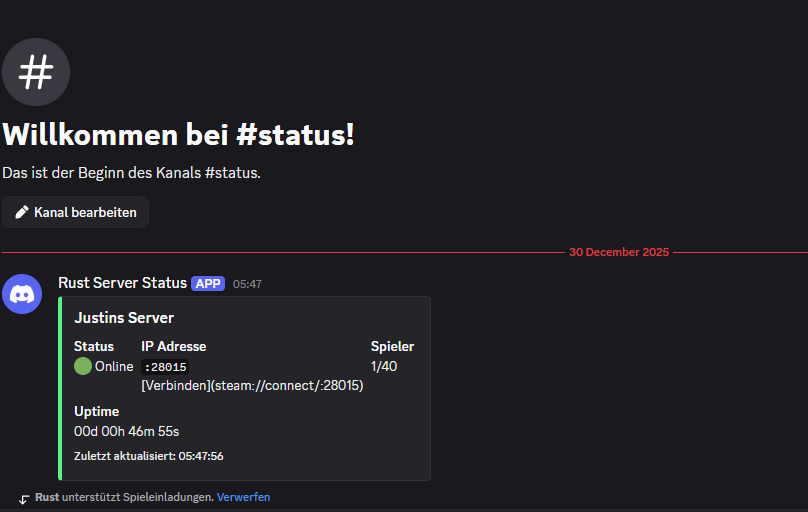
DiscordServerStatus for rust, is a simple to use plugin to connect discord with your Rust server via Webhook!
Requierement: Oxide
Installation:
open /oxide/plugins, upload the downloaded zip file here and extract it.
Then join your server and press f1 type o.relaod DiscordServerStatus after thet check if the plugin is running by run plugins.
if is the plugin is running it will show somthing like
DiscordServerStatus by justinsanjp v1.x.x
Config:
To edit the config go to /oxide/config/DiscordServerStatus.json
if the file does not exit, the plugin dosent loaded the first time, but you can continue anyway be createing a new file with this json code:
{
  "Discord Webhook URL": "entere your web hook url  here!",
  "Server Name Anzeigen": true,
  "Update Intervall (Sekunden)": 300
}
Setup Webhook:
Open Your discord. Create a new channel if not exist and called it status or call it what you want to. then click on intrigations
Select Webhook
Then give your webhook a name for example Rust server status
copy the webhook link and paste it in the config
the config can be diffrent from update to update.